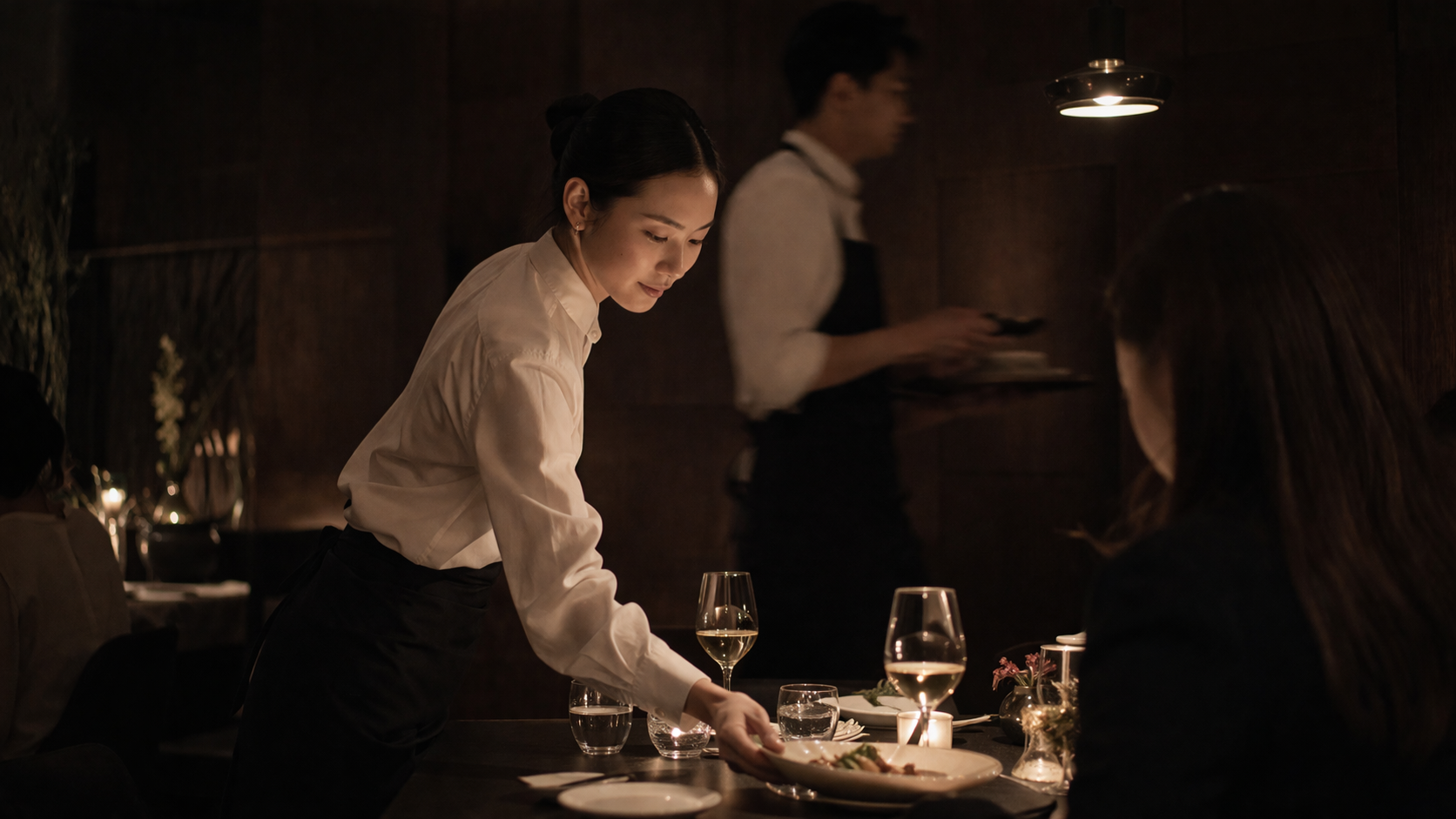
Fine dining service in motion
Front of House / live

Fine Dining POS

The POS for fine dining service. Seat-aware ordering, guest history that travels with your regulars, and live inventory across the menu and the cellar. Voice entry on the tablet for the servers who prefer dictating to tapping.

TABLE 14 · 4 COVERS · MARCO 7:42 PM
SEAT 1 Sarah Chen
pescatarian · prefers cabernet
★ 4 visits
Tasting menu · w/ pairing
SEAT 3 Elena Rodriguez
⚠ walnut allergy
★ 12 visits
NY strip — medium rare
+ side asparagus her usual
18s
VOICE ENTRY
avg, vs 92s tapping
98%
MOD ACCURACY
complex multi-modifier orders
A Front of House product
↓ scroll to read
VOICE ENTRY
18s
avg, vs 92s tapping
MOD ACCURACY
98%
complex multi-modifier orders
SEAT TRACKING
100%
every item, every cover
GUEST HISTORY
native
surfaces at table open
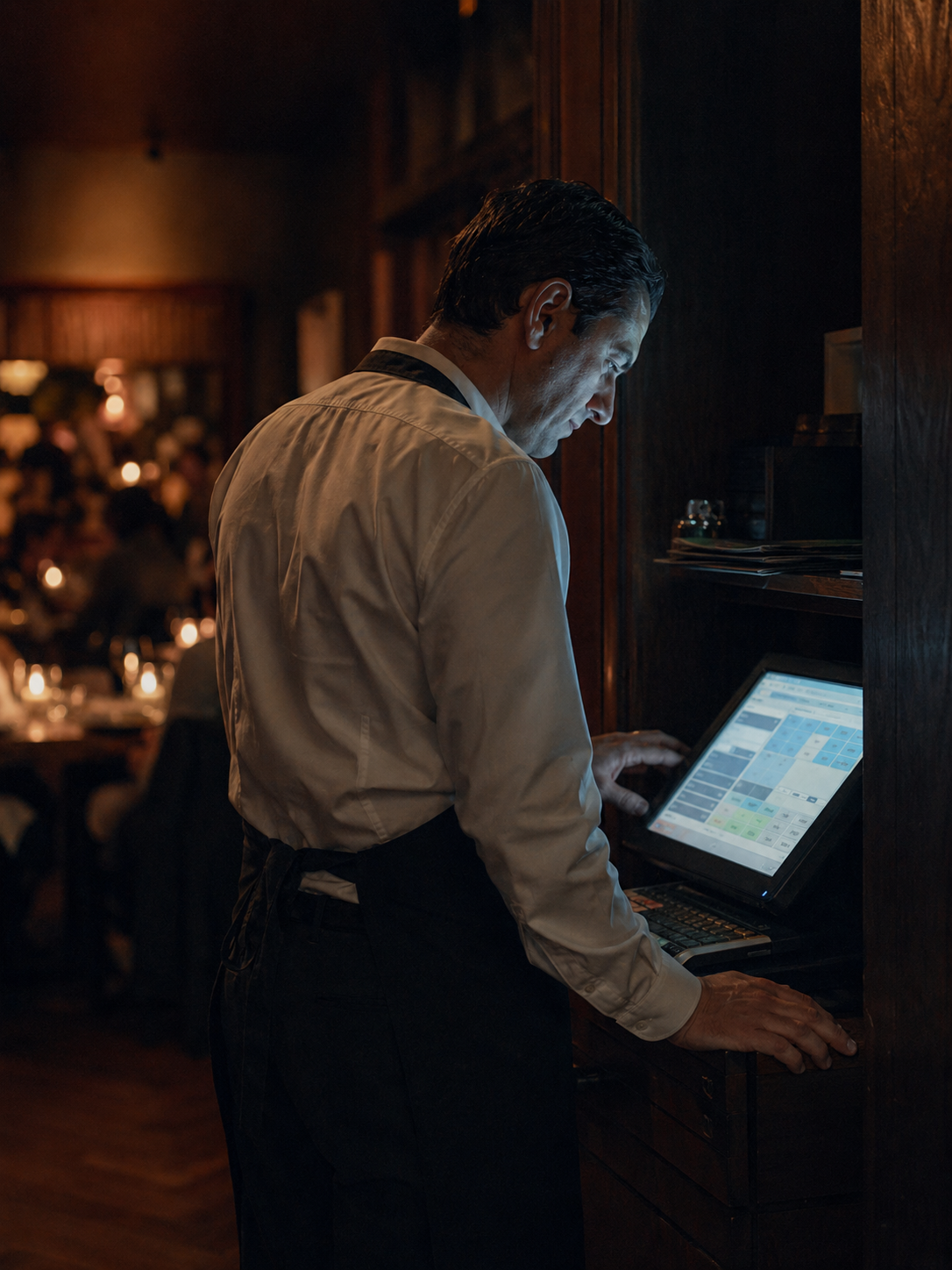
Server navigating a cluttered POS screen
I. The problem

Every POS on the market was built for volume. Fine dining does not optimize for volume.

Generic POS systems force fine dining into a retail model — items, quantities, subtotals. They don't track seats, can't surface a guest's history, handle modifications as freeform text the kitchen has to decode, and go dark the moment the check closes. The guest is forgotten.

◇ image placeholder
4/5
stock search →
"fine dining tasting menu course overhead dark linen moody"
II. How Mise solves it

A POS that knows the guest at the table and the bottle in the cellar.

Mise was designed for fine dining from the start. Seat numbers are native to the order model. Guest profiles surface as a table opens — preferences, past orders, dietary flags — so your team can recommend, anticipate, and accommodate without breaking the flow of service. The cellar and the specials board are live in the system, depleting against every cover. Voice entry sits on the tablet for servers who prefer dictating.
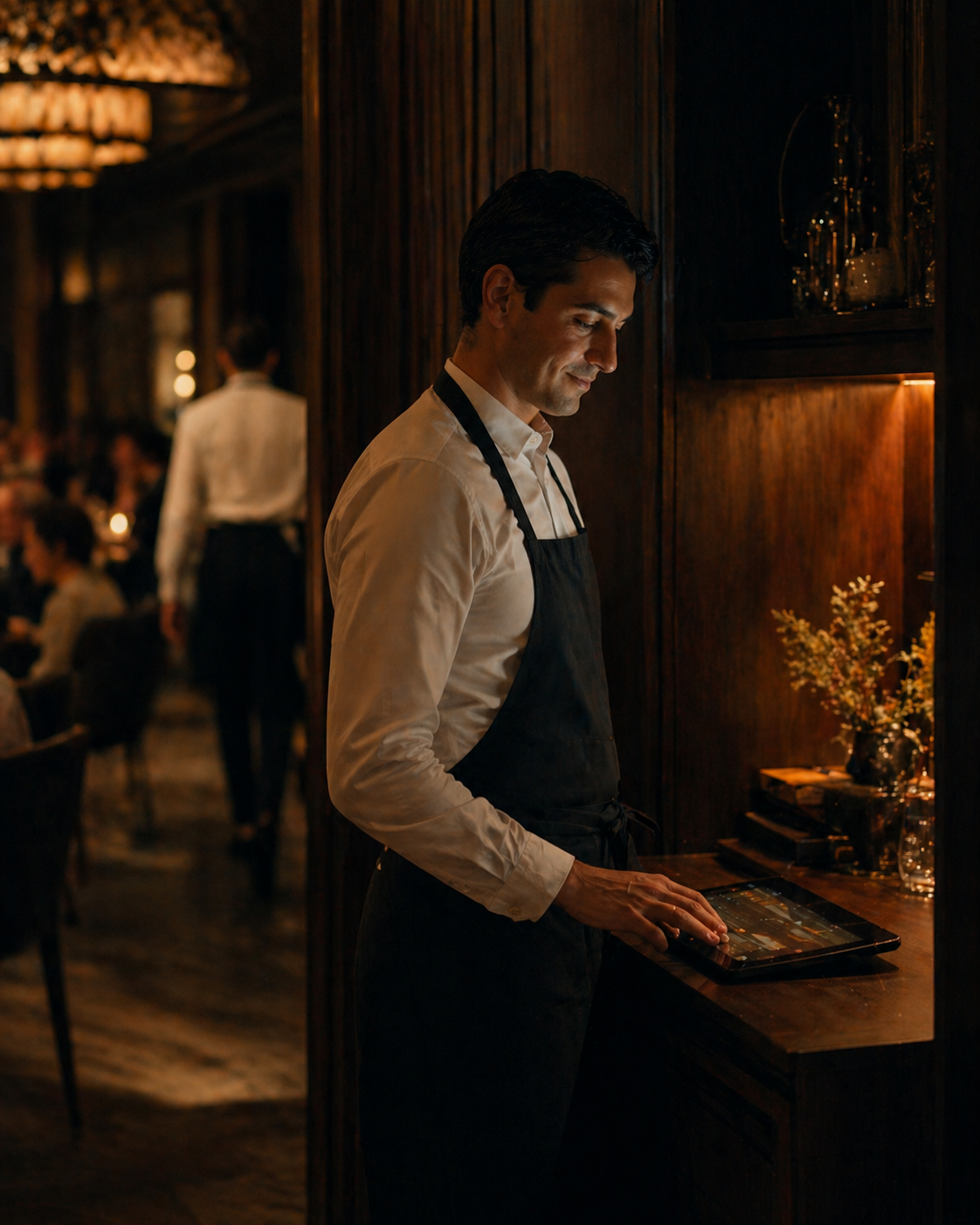
Server at a fine dining table, composed
III. The interface

A study, in detail.

Pulled from the actual product. This is what your team sees, every shift.

GUEST · TABLE 12 · 8:14 PM ● live
EH
Eleanor Harrow
VIP · 8 visits · last in 11 days ago
Avg spend
$284
Allergens
shellfish · tree nut
PREFERENCES dry martini · medium-rare · prefers banquette · husband Tom (anniversary 12 / 4)
Last 3 visits
Nov 02 Halibut · Côte-Rôtie $316
Oct 14 Tasting menu · pairing $412
Sep 28 Steak frites · Sancerre $248
IV. Step by step

From input to output, beat by beat.

01
Evening prep
Kitchen sets start levels for tonight's specials. The cellar inventory is current. Guest profiles for tonight's reservations are loaded.
02
Table opens
Server opens the table. Returning guests are flagged immediately — preferences, past orders, dietary notes, and any personal details surface without the server having to look them up.
03
Order entry
By seat number, voice or tap. Modifications are structured. Allergen flags from recipe management surface inline. Every item routes to the right kitchen station.
04
Floor and kitchen stay in sync
Specials count down in real time. The wine list reflects the live cellar. Runners know exactly which seat gets what. When a bottle runs out, the system surfaces a replacement suited to your guests.
V. Capabilities

A few highlights, in plain terms.

01
Seat-aware ordering
Every item is assigned to a seat number at entry. No 'who had the chicken?' — your staff knows, and so does every runner and expo down the line.
02
Guest intelligence
The POS surfaces guest history as you open a table — past visits, ordering patterns, preferences, and dietary flags. Your team makes better recommendations without asking.
03
Real-time inventory with start levels
Kitchen sets a start count for each special before service. The POS tracks every cover in real time and alerts the floor before quantities run out — no mid-service surprises.
04
Wine cellar tracking
Every bottle sold depletes the cellar in real time. The floor always knows what's available. When a wine 86s, the POS can surface the best replacement for your clientele.
05
Rich modifications, clean to the kitchen
Modifications are structured entries, not freeform notes. What the kitchen sees is formatted for the line — clear, unambiguous, attached to the right seat.
06
Flexible check splitting
Split by seat, by item, by even divide, or any combination. Because seat numbers are native to every order, splitting by seat is one tap.
07
Multi-account payouts
Route revenue to multiple bank accounts at deposit — taxes, payroll, a remodel fund, the wine reserve. Set the splits once in Mise Books; every payout routes automatically.
VII. How it's priced

Membership plus usage. Honest math.

A flat monthly subscription, plus low usage rates measured by the minute your staff actually spend in the app. No per-seat fees, no integration tax, no surprises.

Membership
$49 / month · per location
or $499 / year save $89
One flat fee per restaurant — full access to every Mise product. Multi-location groups pay per location, billed together.
Usage · Fine Dining POS
$0.38 / active device-hour
per tablet, screen, or workstation · tracked to the second
Each tablet, kitchen screen, or workstation runs its own meter. Two staff sharing one device counts as one — five tablets running simultaneously counts as five.
See all module rates
Card processing

Fine Dining POS processes transactions. We pass Stripe's rates straight through — no markup, no hidden fees.

In-person
2.7% + $0.05
per transaction
Online
2.9% + $0.30
per transaction
Foreign cards
+1.5%
on top of base rate
pass-through stripe pricing · no markup
All major cards & mobile wallets
Mastercard
American Express
Discover
Apple Pay
Google Pay

The first conversation is with the team, not a sales rep. Tell us your operation and we'll come back with a real number — usually within a day.

bill monthly, or prepay & draw down — your call

VIII. Things people ask

Questions, before you ask.

Does it listen at the table? +
No — voice entry is always server-initiated, like dictating into the device. Nothing is captured passively. We've engineered an adaptive acoustic pipeline that isolates the server's voice and intelligently suppresses ambient sound: dining room conversation, kitchen clatter, music, neighbouring tables. The result is consistent transcription accuracy through service, even at peak volume — and your guests' conversations stay theirs.
How does guest history work? +
When a reservation is opened, Mise links it to the guest's profile and surfaces their visit history, ordering patterns, preferences, and dietary flags. Servers see this at table-open — not buried in a back-office menu.
Can servers fall back to tap? +
Yes. Every screen is fully usable as a standard touch POS. Voice is an option, not a requirement.
How does wine replacement work? +
When a wine 86s, the system can suggest replacements from your active cellar based on varietal, price point, and what your guests have historically ordered — drawn from your purchase history.
How are start levels set? +
Kitchen sets the count for each special before service begins — usually during prep. The POS tracks every cover and surfaces a low-quantity alert before you 86 mid-service.
make it yours

Want to tweak Fine Dining POS to be perfect?

What we built here is the base platform — but we can customize it for you with Mise Agency. Bespoke features, custom integrations, anything it doesn't do out of the box. Tell us what it needs to do to work perfectly for you, and we'll extend those features, just for you.